
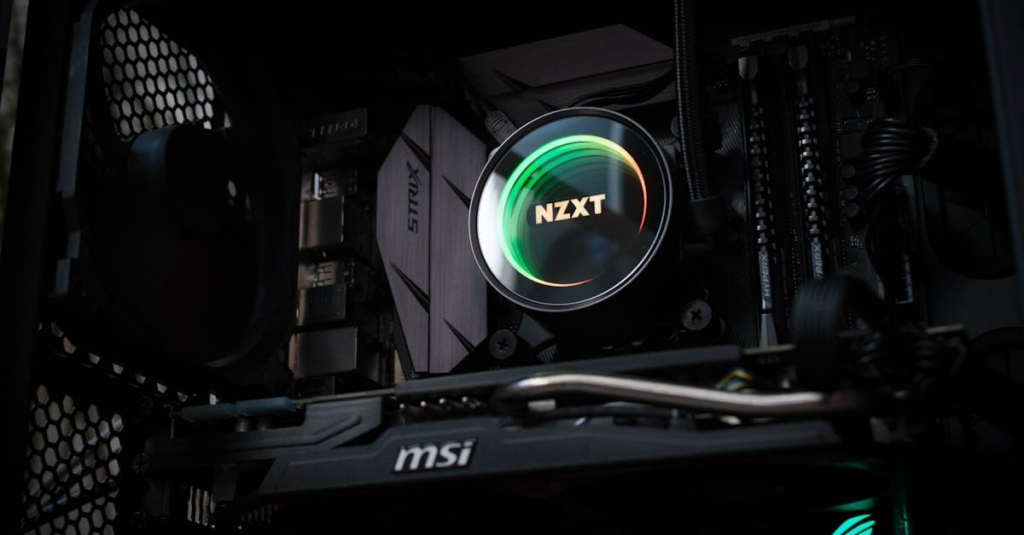
Building a gaming PC? It's a bit like preparing for a fantastical journey, one that involves intricate spells of technology, epic battles with compatibility issues, and the thrill of assembling your digital dream machine. We get it: the whole task can seem daunting at first, but fear not. With a sprinkle of our tips, that intimidating pile of components will soon morph into a powerhouse that will handle your gaming needs like a champ. Let's jump into this quest together.
Understanding Your Needs
Before we start assembling parts like a mad scientist, it's crucial to understand what we actually need from our gaming PC. Think about the games we play. Are we into graphically demanding titles like Cyberpunk 2077 or lighter indie games?
Next, let's consider performance expectations. Do we want to play with the settings cranked up to max, or is 60fps on medium good enough for our needs? Also, let's think about future-proofing our system. We don't want to build a rig that feels outdated in a year, so investing in components that cater to both current and upcoming games is smart. This leads us nicely into the next section.
Choosing The Right Components
Choosing the right components is like picking the perfect team for a heist. We need the right CPU, GPU, RAM and storage to pull off a successful build. Let's start with the CPU: it's the brain of our operation. For gaming, something like AMD's Ryzen or Intel's Core series offers great performance.
When it comes to the GPU, this is where we can expect the biggest bang for our buck. NVIDIA and AMD both offer excellent options, but the ultimate choice often comes down to our specific gaming preferences.
Now, onto RAM. We recommend at least 16GB: this keeps our system running smoothly with multitasking during intense gaming sessions. Finally, storage, SSD versus HDD. An SSD keeps our load times down, while HDD provides ample space for our game library.
Step-By-Step Build Process
Building our gaming PC will be like following a recipe. First up, let's prepare our workspace. Make sure it's clean and organized: we don't want any dust bunnies hitching a ride on our components. The first step is to install the CPU and RAM on the motherboard. Carefully follow manufacturer instructions while handling these fragile bits.
Next, we can mount the motherboard in the case. Don't forget the standoffs. After securing the motherboard, it's time to drop in the GPU, ensuring it seats properly in the PCIe slot.
Now, let's handle cable management. This step is more than just aesthetics: good cable management improves airflow, keeping our components cool. Finally, connect our power supply and the storage devices. Once everything is in place, we can do a little happy dance, it's time to boot up.
Testing And Troubleshooting
Just like how we wouldn't skip a final exam review, testing our build is crucial. After powering on, we should enter the BIOS and check that everything is detected properly. From temperatures to fan speeds, we're looking to ensure everything is humming smoothly.
If something isn't right, don't panic. Most issues can be resolved with a bit of troubleshooting. Have we seated our RAM properly? Is the GPU snug? Don't hesitate to swap out components to see if one's misbehaving. Websites and forums can be invaluable resources during this step.
Optimizing Your Gaming PC
Once our gaming PC is running, we want to squeeze out every ounce of performance. Start with updating drivers: they can make a world of difference. Next, consider tweaking our settings in the graphics menu of each game. Sometimes we can achieve great performance without all the bells and whistles on.