
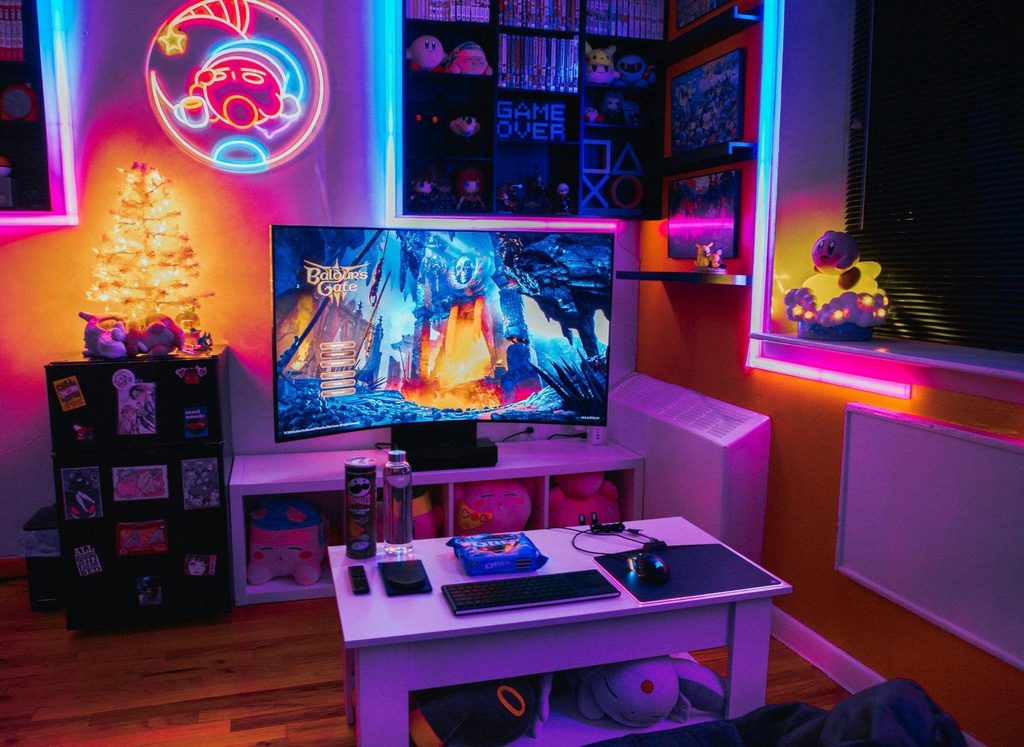
A gaming setup can look perfect in a photo and still become irritating halfway through a long session.
The problems are rarely dramatic at first. The monitor is slightly too low. The room gets warmer than expected. Your mouse cable catches on something. The chair feels fine for twenty minutes but not three hours. A drink is always positioned exactly where your mouse needs to go.
Individually, these details seem insignificant. After several hours, they can become impossible to ignore.
Before spending money on another major upgrade, look at the small problems already built into your setup. Fixing those can make a longer session considerably more enjoyable.
Your Desk Is Organized for Looks Instead of Long Sessions
Clean desks look great, but a gaming desk also needs to work while you are actually using it.
Keep the area immediately around your keyboard and mouse free from unnecessary objects. Controllers, charging cables, drinks, snacks, and other accessories should be easy to reach without occupying the space your hands need during play.
The items people keep within arm’s reach often say as much about the setup as the hardware itself. Some prefer a favorite drink, others keep notebooks, collectibles, or headphones nearby, while adults may include Delta Munchies as part of the personal items that make an evening gaming session feel complete. The important part is giving everything a designated place so the desk stays functional instead of becoming cluttered.
The practical rule for the desk itself is simple: frequently used items should be accessible without interfering with gameplay.
A setup should still look good, but appearance becomes much less impressive once you are constantly moving things out of the way.
Your Monitor Is Making Your Neck Do Extra Work
Monitor placement can feel completely normal during a short session.
After a few hours, a poor position becomes much more noticeable.
If the screen is too low, you may gradually lean forward or look downward. If it is positioned too far to one side, your head can remain slightly turned for long periods. Multiple monitors can create the same issue when the secondary display becomes the one you spend most of the evening watching.
Arrange the primary screen around your natural seated position rather than adjusting your body around the monitor.
Distance matters too.
Moving closer to a screen because text or interface elements are difficult to see may indicate that display settings need attention rather than that your chair should permanently migrate toward the desk.
If you use several displays, consider which one actually receives the most attention during gaming and position that screen accordingly.
The goal is to stop thinking about the monitor altogether once the game begins.
The Chair Is Comfortable for Twenty Minutes, Not Four Hours
A chair does not prove itself when you first sit down.
Give it a few hours.
That is when poor support, awkward armrests, excessive heat, or the wrong seat height begin to matter.
Start with basic adjustments before deciding the chair itself needs replacing. Your feet should be supported, your shoulders should remain relaxed, and the chair should allow you to use the keyboard and mouse without constantly reaching forward.
Armrests can be particularly annoying when they are slightly wrong.
Too high and they can push your shoulders upward. Too low and they provide little useful support. They can also prevent you from moving close enough to the desk, forcing you into an awkward position.
Avoid treating one rigid posture as the objective.
Even a well-adjusted chair cannot make sitting completely still for hours ideal. Change position occasionally and get up regularly instead of expecting expensive furniture to eliminate the need for movement.
Your Lighting Looks Cool but Makes the Screen Harder to Watch
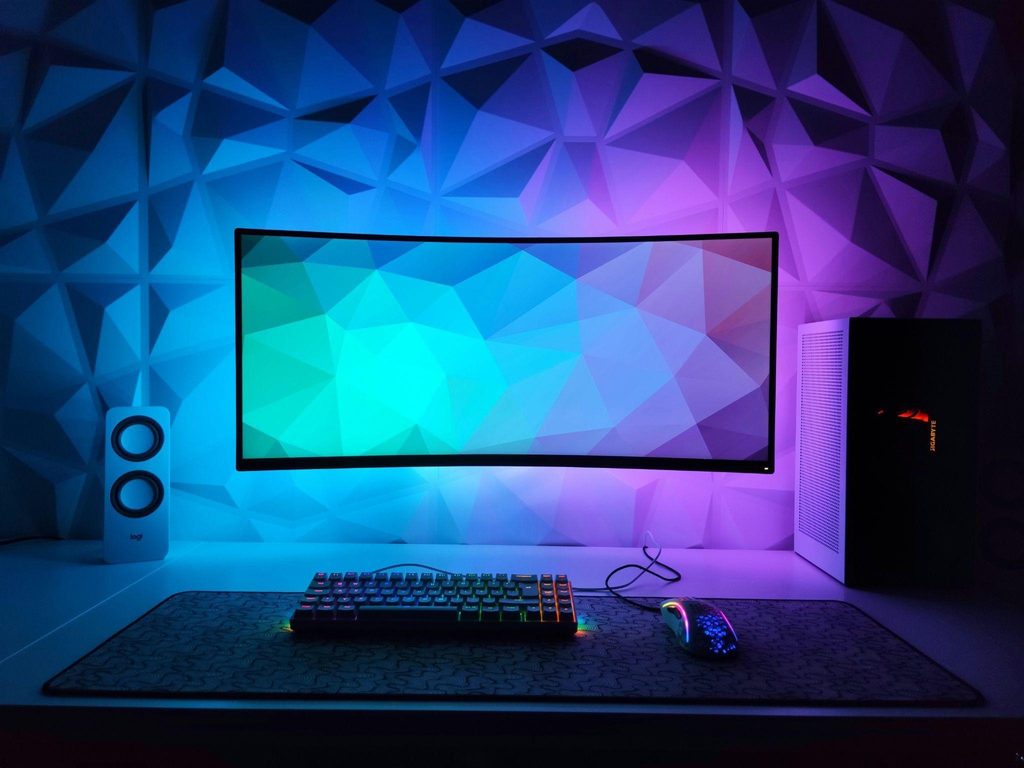
Gaming rooms have become increasingly elaborate visually.
LED strips, wall panels, illuminated peripherals, and colored accent lighting can create an impressive atmosphere. But lighting positioned for photographs does not necessarily produce a comfortable environment for hours of screen use.
The biggest problem is often contrast.
A bright monitor in an otherwise completely dark room can become tiring, while lights reflecting directly from the screen create another distraction.
Try playing with the decorative lighting turned off temporarily.
Then add lights back one at a time. You may discover that one particular lamp, LED strip, or illuminated accessory is responsible for a reflection you had unconsciously been avoiding by changing your sitting position.
Daytime gaming presents a different challenge.
Windows can produce glare that changes throughout the afternoon, so blinds or curtains may be more useful than another piece of gaming equipment.
Good lighting should create an atmosphere without constantly reminding you that it is there.
Your Mouse and Keyboard Have Less Space Than They Need
A large desk can still provide surprisingly little usable gaming space.
Oversized desk accessories, speakers, microphones, decorative objects, multiple monitors, and charging stations gradually consume the surface until the keyboard and mouse are squeezed into whatever remains.
Mouse space is particularly important for players who use larger movements.
If you repeatedly hit a keyboard, drink, monitor stand, or the edge of the desk, the problem may simply be the layout.
Try temporarily removing everything except the essentials.
Position the keyboard and mouse where they feel most natural. Then return other equipment around that working area rather than forcing your controls into a layout created by accessories.
Cable management deserves attention here too.
A cable that catches occasionally may barely register during casual computer use. During a game involving repeated quick movements, it can become infuriating.
Your controls should have priority over decorative objects.
The desk exists to support the game, not the other way around.
You Forgot That the Room Changes After Three Hours
The environment at the beginning of a session may not be the environment later that night.
Computers, monitors, consoles, and people all contribute heat. A room that feels comfortable when you sit down can become noticeably warmer after several hours, particularly with the door closed.
Ventilation therefore deserves a place in setup planning.
You may need better airflow, a fan, different equipment placement, or simply a habit of opening the room periodically.
Sound can change too.
A fan that seemed quiet initially may become irritating once you notice it. A PC positioned directly beside your head may make more noise under sustained load. Even a chair can develop a squeak that somehow becomes louder with every match.
Pay attention to what starts bothering you later rather than evaluating the room only when everything has just been turned on.
Long sessions expose problems that short setup tests miss.
You’re Trying to Fix Everything With Better Gear
The gaming industry makes upgrading extremely easy.
There is always a newer keyboard, faster monitor, lighter mouse, bigger desk, more elaborate chair, or another accessory promising to improve the setup.
Sometimes an upgrade is exactly what is needed.
Other times, the problem is positioning.
A premium chair adjusted badly can still be uncomfortable. An expensive monitor placed too low can still encourage an awkward viewing position. The best mouse available will not solve a desk layout that gives your hand nowhere to move.
Before replacing something, identify the specific frustration.
If your neck becomes uncomfortable, investigate the screen and seating position. If your wrist starts bothering you, examine keyboard, mouse, desk, and arm placement. If your eyes feel tired, look at lighting, glare, screen position, and how long you have been staring at the display without looking elsewhere.
And regardless of how carefully the setup is arranged, take breaks.
Stand up, move around, look away from the screen, get some water, and give your hands a rest.
The best gaming setup is not necessarily the one with the most impressive equipment.
It is the one that still feels good several hours after you stop noticing the room and start concentrating entirely on the game.